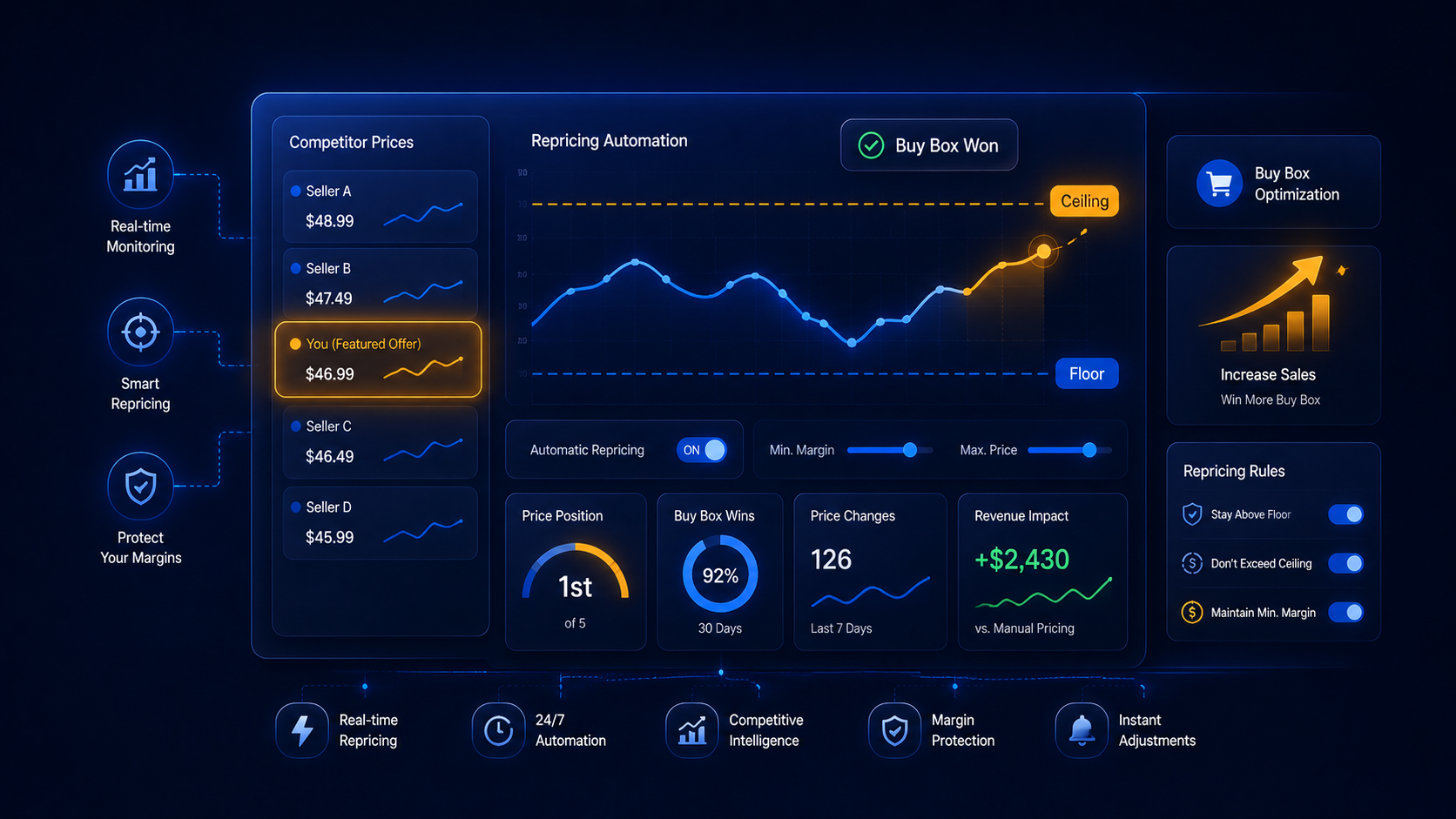
What a Repricer Does — and Why the Featured Offer Decides Your Sales
An Amazon repricing tool automatically adjusts your listing prices in response to the market — competitor moves, your stock levels, and your own margin rules — so you don't have to babysit prices by hand. The prize it is chasing is the Featured Offer (still widely called the Buy Box): the pre-selected offer that fills the Add to Cart button. Industry estimates as of 2026 put roughly 80–83% of Amazon sales through that single spot, so which seller holds it is, for most listings, the whole game.
Here's the part sellers get wrong: the Featured Offer is not simply awarded to the cheapest price. Based on 2026 reporting, Amazon weighs fulfillment speed, seller health metrics, and shipping alongside price, and the pricing tolerance band has reportedly tightened compared with prior years. A well-configured repricer is not a tool for being the cheapest — it's a tool for finding the highest price you can charge and still win the Featured Offer, then holding it. Confirm your own listing's eligibility and Featured Offer share in Seller Central, since the exact weighting is set by Amazon and can change.
"The sellers who win in 2026 aren't the ones who race to the bottom — they're the ones who let software hold the highest price that still wins the Featured Offer. A repricer without a floor is just an automated way to give away your margin."
— Maya Patel, PPC & Advertising Specialist
That single distinction — winning at the highest profitable price versus winning at any price — is what separates the repricing approaches below, and it's why your floor and ceiling settings matter more than the tool you pick.
Rule-Based vs Algorithmic (AI) Repricing
Repricers generally fall into two families, and most current tools lean toward a hybrid of the two. Neither is universally better — the right fit depends on how competitive your listings are, how much control you want, and how much of your catalog you're managing. The table below is a neutral guide to how each approach behaves; verify the specific behavior of any tool against its own documentation before you rely on it.
| What to compare | Rule-Based Repricing | Algorithmic / AI Repricing |
|---|---|---|
| How it sets price | Follows rules you write (for example, match the lowest FBA offer minus a cent, within your limits) | Reads market signals and predicts the price most likely to win the Featured Offer profitably |
| Transparency & control | High — you can see exactly why a price changed | The model decides within your guardrails; logic is less visible |
| Reaction to competitors | Predictable and steady, but can chase prices downward if rules are set loosely | Aims to hold a higher price and, by design, avoid triggering a price spiral |
| Typical fit | Stable, lower-competition listings; sellers who want hands-on control | Crowded, fast-moving ASINs; higher-volume catalogs |
| Safety controls | Price floor & ceiling | Price floor & ceiling (guardrails around the model) |
As of 2026, many leading repricers offer a hybrid model — you set the floor and ceiling as hard rules while an algorithm optimizes within that band. Feature sets and terminology differ by vendor and change frequently; always confirm current capabilities on each tool's own site.
How to Set Up Repricing Safely (Floors, Ceilings & MAP)
The single most important thing a repricer needs from you is a well-calculated price floor — the lowest price you'll ever accept. Get that number right and even an aggressive competitor can't drag you into an unprofitable sale. Here's a practical setup sequence that keeps automation working for your margins, not against them.
Your Safe Repricing Setup Checklist
Calculate a true price floor from real costs
Build your floor from landed cost, Amazon referral and fulfillment fees, and your minimum acceptable profit — not a round number you guessed. Every reputable repricer lets you set this hard minimum so the tool never sells below it.
Set a ceiling to protect against runaway prices
A ceiling caps how high the tool can push when competitors run low on stock. It protects your conversion rate and keeps you clear of price-gouging flags during demand spikes.
Add MAP and brand guardrails where they apply
If you sell brands with a Minimum Advertised Price, set MAP as a hard constraint so automation can't breach a supplier agreement. Confirm each brand's current MAP policy directly with the supplier before configuring it.
Match the strategy to each SKU
Use a steadier rule-based approach on stable, low-competition listings and reserve algorithmic repricing for crowded, fast-moving ASINs. Many tools let you assign different strategies per listing rather than one setting for the whole catalog.
Monitor Featured Offer share and margin together
Winning the Featured Offer 100% of the time can mean you're priced too low. Watch your Featured Offer percentage next to your realized margin, and adjust floors as costs and competition move.
The theme running through all five steps: automation amplifies whatever rules you give it. A repricer with a sound floor is a margin-protection tool; the same repricer with a careless floor is an efficient way to lose money. Set the guardrails first, then turn on the speed.
On our sourcing: This article summarizes how Amazon repricing tools and Featured Offer (Buy Box) dynamics work as of 2026, based on publicly available industry reporting and vendor documentation published that year. Featured Offer share estimates, pricing-tolerance behavior, and tool capabilities are approximate, vary by source, and can change without notice. Tool descriptions are neutral summaries of publicly stated features — always verify current pricing, features, and Amazon program rules on each vendor's site and in Seller Central before making pricing decisions.
About the Author: Maya Patel
Maya is AMZToolHub's PPC & Advertising Specialist. She has managed over $18M in Amazon ad spend across 80+ brands and tests every major advertising and analytics tool so sellers don't have to.